Review
Today we'll review key ideas from last year's seminars to set up this upcoming year.
Relational Databases
Specify is a relational database. Each object is a row, but the rows have references to each other
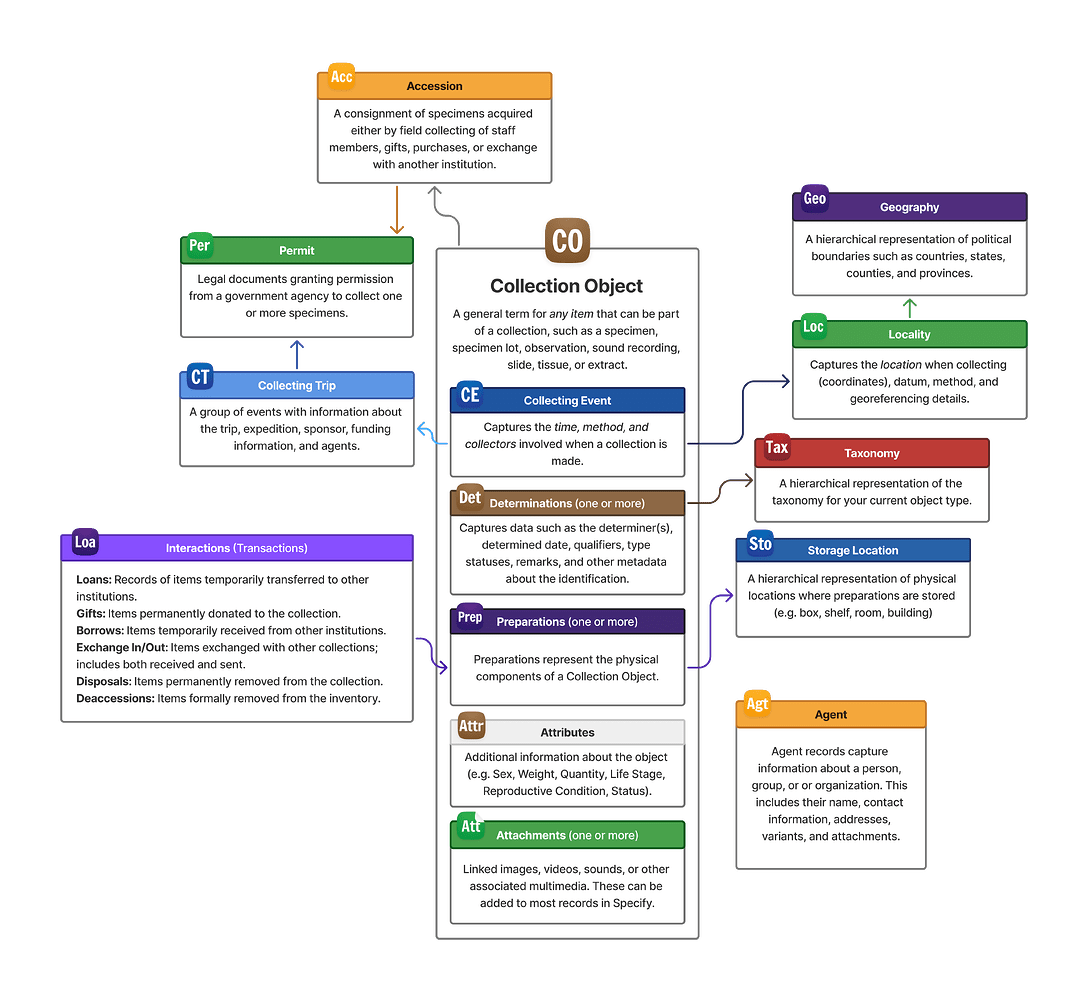
Data standards keep models uniform and usable
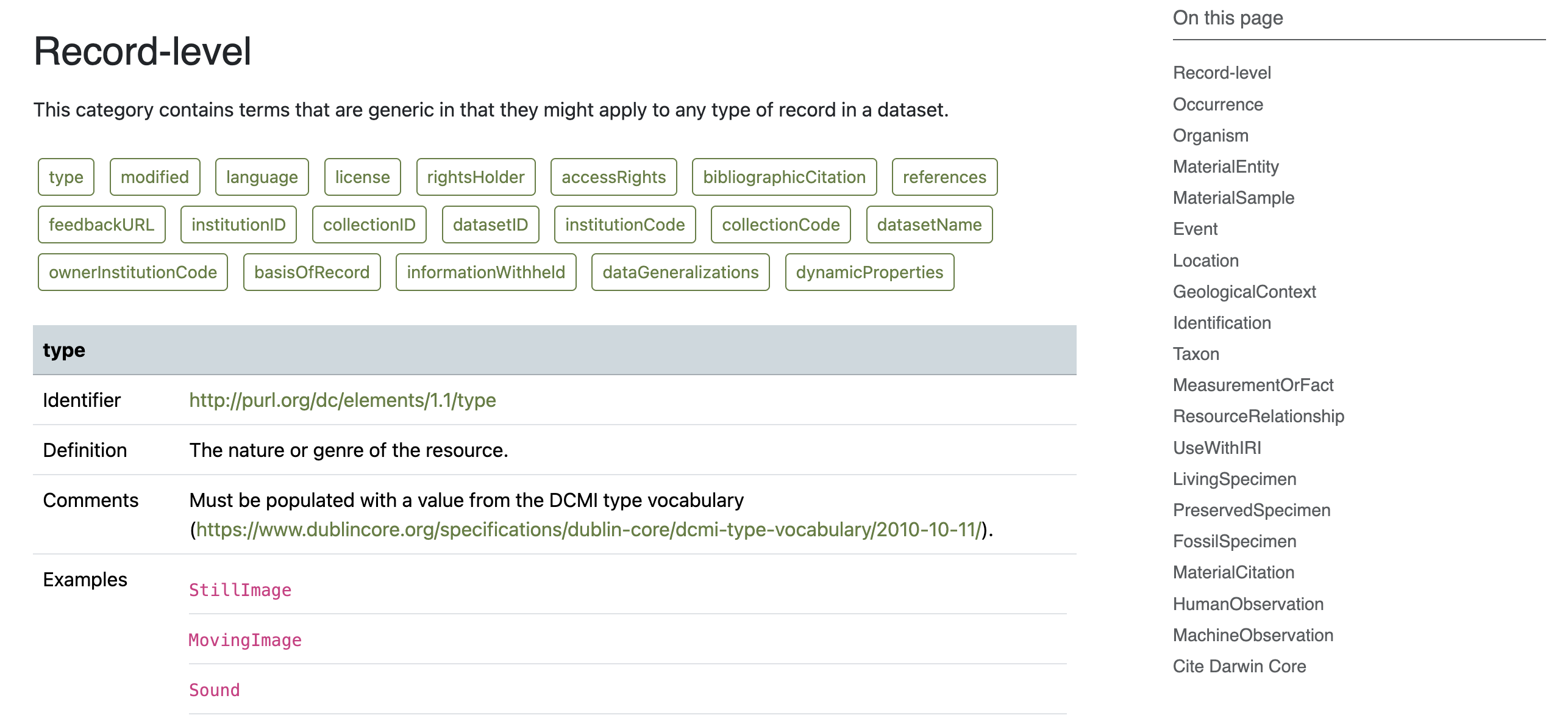
Updating data models and schemas
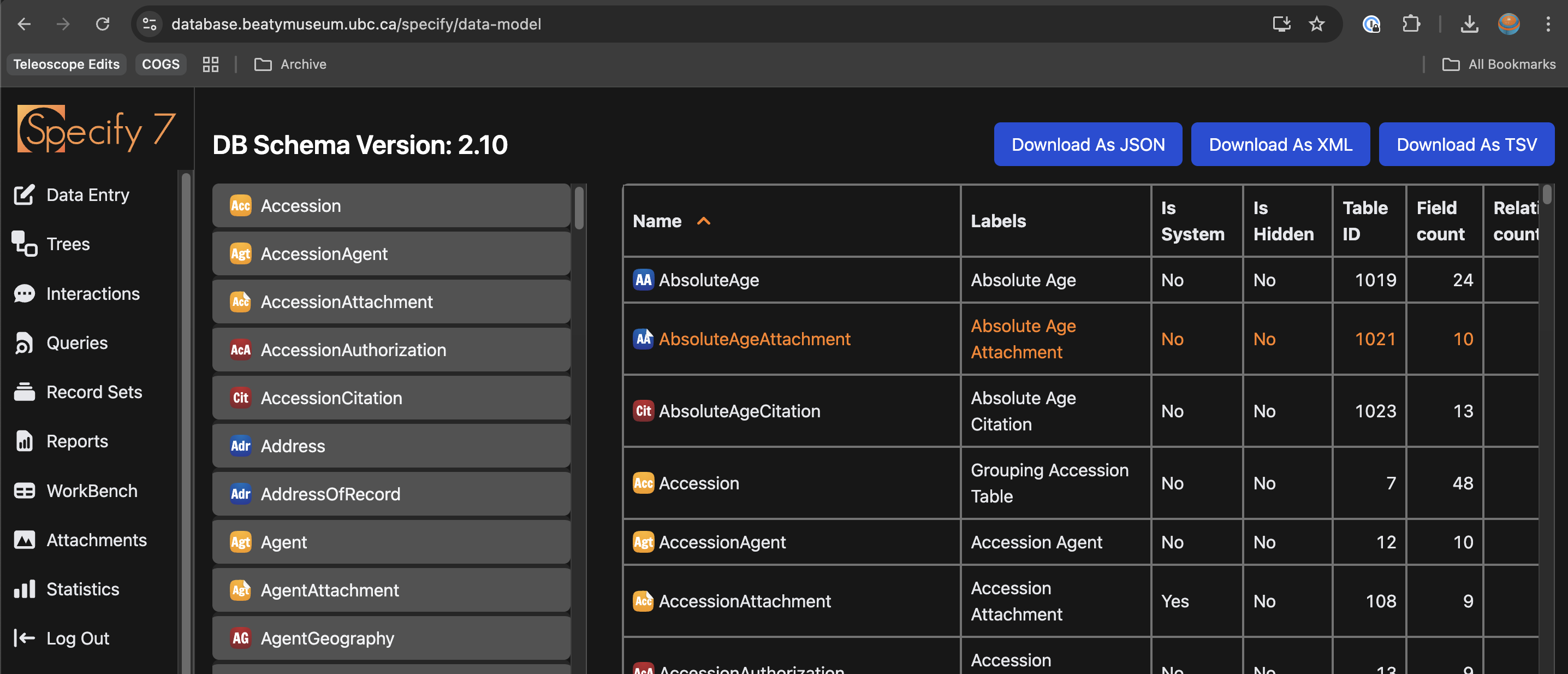
Markup can help us structure text
Turn Relational Databases into Spreadsheets
How do we get our data back into a spreadsheet form?
Querying the database
Demo for queries.
Basic transformations
- Filter
- Sort
- Aggregate
Filtering with boolean logic as set logic
- Intersection: property1
ANDproperty2 - Union: property1
ORproperty2 - Complement:
NOTproperty1 - Select: ranges, lists, etc.
Sort
- Sorted vs. ordered
- Unsorted vs. not possible to order
Aggregate
- Merge different rows by keys
- Concatenate lists
Data cleaning
The previous operations are at the "row" level. Once you have your data in a "good enough" spreadsheet, you often need to transform each cell.
Regular expressions
If a regular text pattern exists, it's very easy for a computer to perform split or find operation on it using regular expressions.
\d\d\d-\d\d\d-\d\d\d\dis the form of604-822-2301Paul.*Bucciis the form of bothPaul Alexander Hendrik BucciandPaul A. H. Bucci
Dictionaries
If you can structure data in a key-value(s) pair, it is easy for computers to perform find-replace operations.
"P. Bucci": {"Paul Bucci", "Paul A. H. Bucci"}
| Item | Synonym |
|---|---|
| Paul | Paul Bucci |
Classifiers
Sometimes you can give the computer examples of well-labeled "correct" and "incorrect" data, and it will make a guess as to whether the item is correct or incorrect. Most AI will be in this format.
Pipelines
Chaining together multiple operations is called a pipeline. For example, Sheila's work learn student needed something that looked like this: - PDF -> Text - Text -> Excel spreadsheet based on regular expressions to extract names - Excel -> Excel spreadsheet of aliases for people (P. Bucci is Paul Bucci) - Excel -> Excel of all extracted names based on aliases