Labels
Many people need to print labels at the Beaty. I've developed a system for designing labels, available now at:
apps.beatymuseum.ubc.ca/labels
Today, I will motivate the system, demo it, and run a tutorial.
Why care about labels?
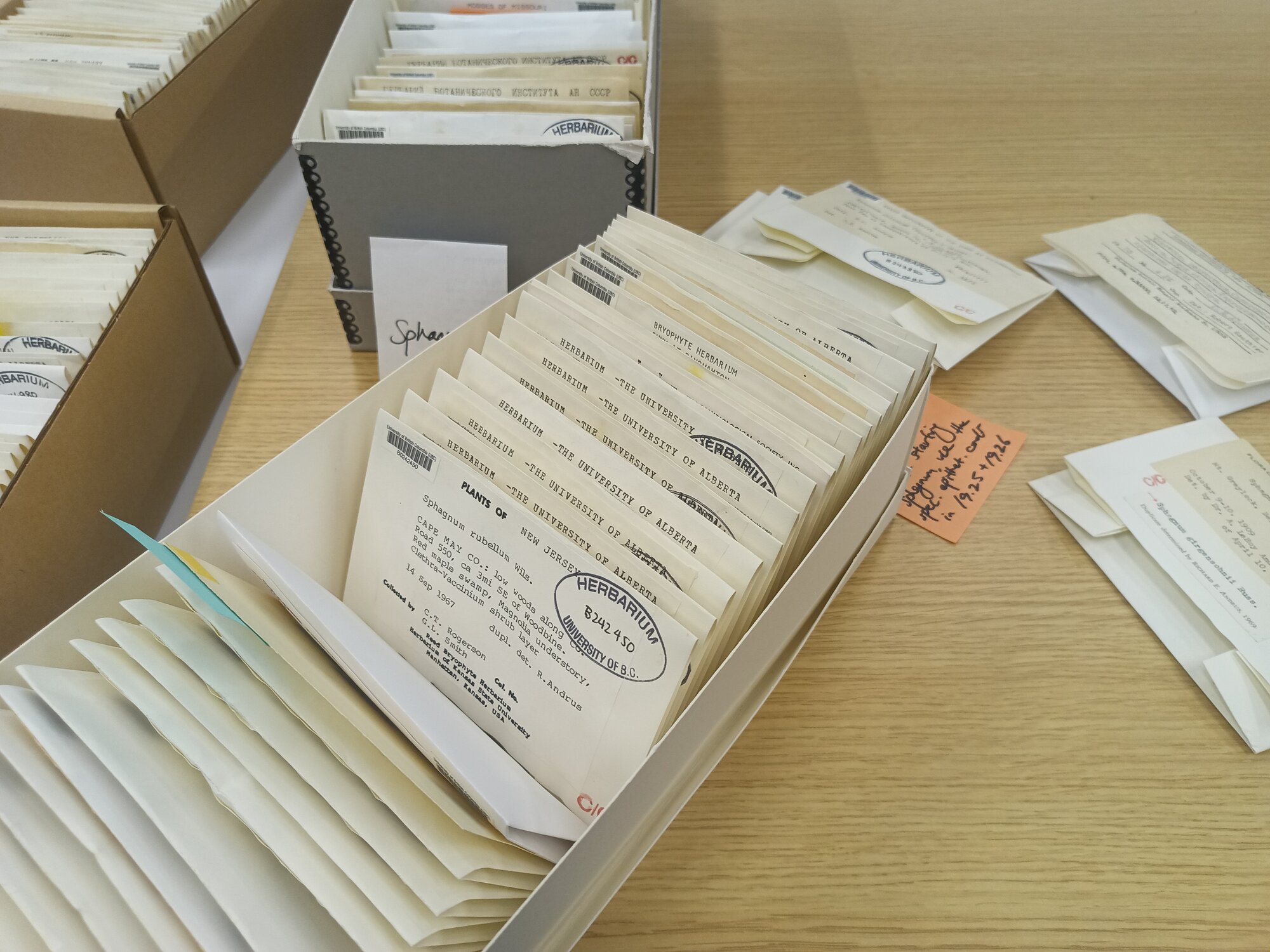
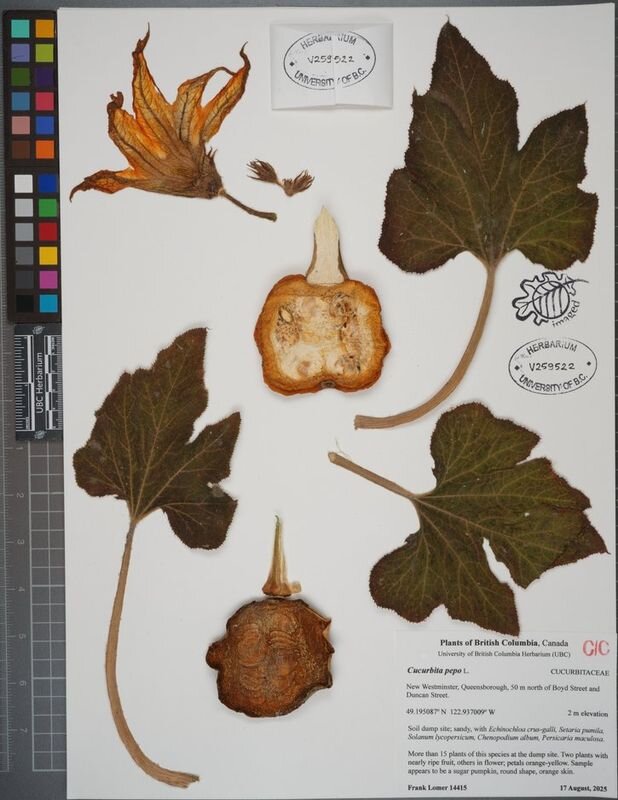
Labels are used all over the museum.
Label Design Considerations
Labels have different material considerations: 1. Size of print 2. Paper stock 3. One- or two-sided
Label Design Considerations
Labels have different process considerations: 1. Who prints the labels and how often? 2. How are the labels assembled and processed? 3. How do we get the data from Specify into a label template?
Specify System
Specify uses a layout engine called "JasperSoft" which is a dedicated business report creation software.

Jaspersoft issues
Jaspersoft is powerful, but complex. Many Beaty users reported being able to use it effectively.
First Pass: InDesign Data Merge
Last year, I built a label creation system for Karen G.'s team using InDesign. When I first worked at the Beaty, I used this to make hundreds of labels.


First Pass: InDesign Data Merge
However, InDesign is expensive. So Linda asked me to come up with a system that would work for less money.
Requirements: Web App
A web application for automatic label generation would help the Herbarium offload design work to collectors. Alternatively, it could be used internally by museum staff.
Requirements: Expressive and Minimal
Using CSV/XLSX as exchange formats, the system needed to do basic layout, but not be a full design program. Importantly, the data merge logic needed to be robust.
E.g., conditionals like:
If "variety" column has data, print "var."
Demo: Prepping Data
Create a query with all of the columns you would like to appear on your label.
E.g., you can go to the following example:
database.beatymuseum.ubc.ca/specify/query/625/
Demo: Downloading Data
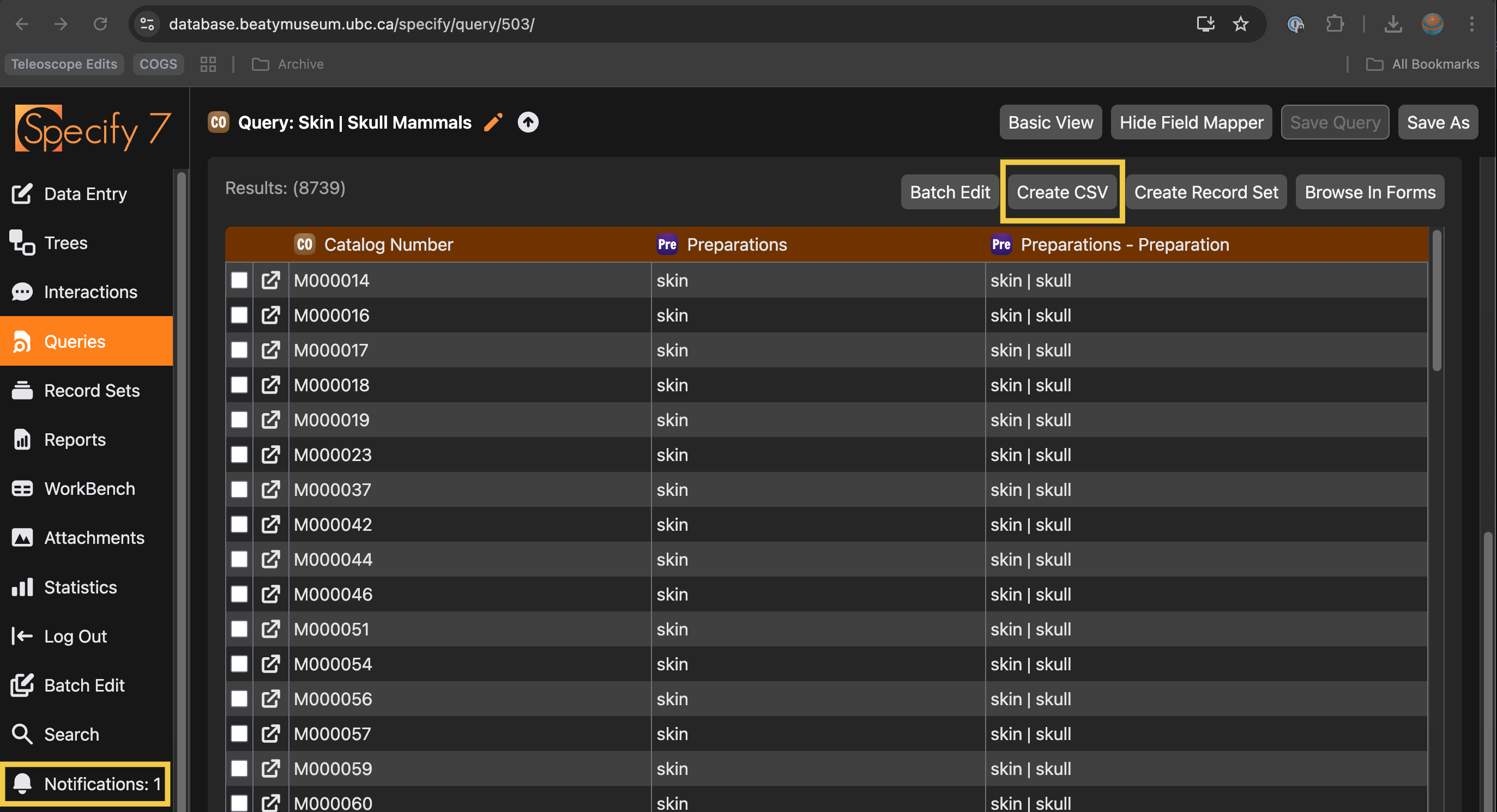
Click Query and then Create CSV: